

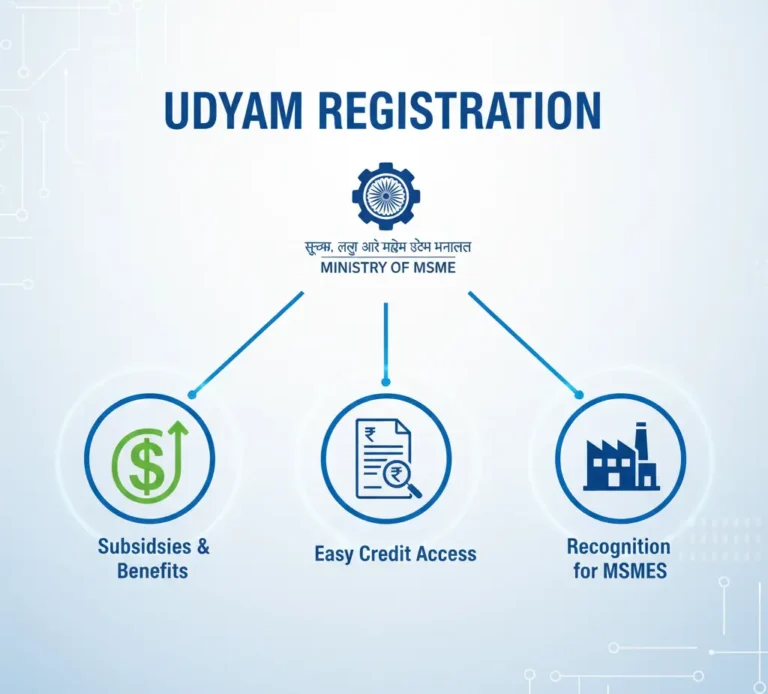
Udyam Registration is a process established by the Government of India for the registration of Micro, Small, and Medium Enterprises (MSMEs) under the Ministry of Micro, Small, and Medium Enterprises. It is a component of the government’s initiatives to legalize companies and offer them subsidies, incentives, and programs intended to assist MSMEs.
Purpose of Udyam Registration
- To officially recognize a business as an MSME.
- To make it easier for businesses to access government schemes, loans, and incentives.
- To simplify the process of applying for benefits and reduce paperwork.
Who Can Register
- Any business operating in India, including proprietorships, partnerships, private limited companies, and LLPs.
- Both new and existing businesses can register.
Udyam Registration Process
Step 1: Prepare Required Documents
Before starting the registration, make sure you have:
- Aadhaar number of the business owner (mandatory for proprietorships).
- PAN card of the business.
- Business details: Name, type (proprietorship, partnership, LLP, company), and address.
- Bank account details (optional but useful for linking).
- Details of investment in plant/equipment and annual turnover (to determine MSME category).
Step 2: Visit the Official Portal
Go to the official Udyam Registration website
Step 3: Select the Registration Type
- For new businesses, click on “For New Entrepreneurs who are not Registered yet as MSME”.
- For existing businesses, use “For those having EM-II / UAM” (old registration number).
Step 4: Fill in Business Details
- Enter Aadhaar number and name of the owner.
- The portal will verify Aadhaar via OTP sent to the registered mobile number.
Fill in:
- Business name
- Type of organization (proprietorship, partnership, LLP, company)
- PAN card number
- Social category (optional)
- District and state
Step 5: Enter Business Activities
- Specify whether your business is manufacturing or service.
- Describe your products or services.
Step 6: Enter Investment and Turnover Details
- Investment in plant and machinery/equipment
- Annual turnover
- The portal will automatically classify your business as Micro, Small, or Medium based on these values.
Step 7: Submit and Generate Udyam Registration Number
- Review the details carefully.
- Apply.
- The portal will generate a Udyam Registration Number (URN) instantly.
- You will also get a registration certificate in PDF format.
Step 8: Keep the Certificate Safe
The Udyam Registration Certificate serves as proof of being an MSME.
It can be used for:
- Bank loans at concessional rates
- Government subsidies and incentives
- Bidding for government tenders
Documents Needed for Udyam Registration
For Udyam Registration, the process is supposed to be quick and mostly online; therefore, any documents required are minimal. Here is a concise list:
Aadhaar Number
- Mandatory for the business owner (for proprietorships).
- Used for identity verification via OTP.
- For other business types (partnership, LLP, company), Aadhaar of the authorized signatory is required.
PAN Card
- PAN of the business or the business owner is required.
- Helps in linking the business for tax purposes.
Business Details
- Business name
- Type of organization: Proprietorship, Partnership, LLP, Private Limited, Public Limited, etc.
- Address of business (physical address is mandatory)
Bank Account Details (Optional but Recommended)
- Bank account number
- IFSC code
- Helps with subsidies, schemes, and government payments
Investment & Turnover Details
- Investment in plant and machinery/equipment (for manufacturing or service activities)
- Annual turnover (for MSME classification: Micro, Small, Medium)
Additional (Optional)
- Social category: SC/ST/OBC if applicable
- Details of business activities: Manufacturing or Service, products, or services offered
How to Get Udyam Registration Number
Step 1: Visit the Official Portal
- Go to the official government website:
This is the only authentic site for MSME registration.
Step 2: Choose “For New Entrepreneurs”
Click on the option:
“For New Entrepreneurs who are not registered yet as MSMEs.”
If you already have UAM or EM-II, choose the second option.
Step 3: Enter Aadhaar Number
- Provide the Aadhaar number of the business owner (proprietor) or authorized signatory.
- Verify Aadhaar using the OTP sent to the registered mobile number.
Step 4: Enter PAN Details
- Enter PAN of the business (for companies, LLPs, partnership firms) or PAN of the owner (for proprietorships).
- The portal automatically validates PAN from the government database.
Step 5: Fill Business Information
You must provide:
- Business name
- Type of enterprise (proprietorship, partnership, LLP, Pvt Ltd, etc.)
- Full business address
- Bank details (optional but recommended)
- Major business activity (manufacturing or service)
Step 6: Add Investment & Turnover Details
Enter details like:
- Investment in machinery/equipment
- Annual turnover
- These details help classify your business as Micro, Small, or Medium.
Step 7: Submit the Application
- Review all details.
- Click Submit.
- Validate using OTP
Step 8: Receive Udyam Registration Number (URN)
Once submitted:
- You instantly receive the Udyam Registration Number (URN) on the screen.
- The same will also be sent to your registered email address.
Step 9: Download Udyam Registration Certificate
After getting the URN:
- You can download your official Udyam Registration Certificate (PDF) from the portal.
Udyam Registration Benefits
Easy Access to Loans & Credit
- MSMEs get priority in bank loans.
- Eligibility for collateral-free loans under schemes like CGTMSE.
- Lower interest rates compared to regular business loans.
Government Subsidies
Businesses with Udyam Registration can get:
- Subsidy on patent registration
- Subsidy on ISO certification
- Subsidy on electricity bills
- Financial support for technology upgradation
Priority in Government Tenders
- MSMEs get preference in public procurement.
- Many tenders are reserved exclusively for MSMEs.
- EMD (Earnest Money Deposit) and security deposit waivers in many cases.
Protection Against Delayed Payments
If buyers delay payment beyond 45 days, the MSME can:
- File a complaint on the MSME Samadhaan Portal
- Claim interest on delayed payments
- Helps small businesses maintain healthy cash flow.
Easier to Participate in Government Schemes
Eligible for various MSME-focused schemes:
- PMEGP (Prime Minister Employment Generation Programme)
- Cluster development programs
- Technology and Quality Upgradation Programs
- Zero Defect Zero Effect scheme
Financial & Tax Benefits
- Lower cost of bank processing fees
- Concession on stamp duty & registration fees for business setup in some states
- Special credit-linked incentives
Enhances Business Credibility
- Shows your business is officially recognized by the Government of India.
- Increases trust among banks, customers, and vendors.
Eligibility for International & Domestic Trade Fairs
- MSMEs can participate in trade fairs with subsidized fees.
- Support for export promotion and global market expansion.
Helps in Getting Licenses & Approvals Faster
- Many government authorities prioritize MSMEs for licensing and approvals.
- Simplifies compliance and inspection processes.
Lifetime Valid Registration
- Udyam Registration is permanent.
- No renewal required unless business details change.
I Forgot My Udyam Registration Number. What Should I Do Next?
- Step 1: Visit the Official Udyam Portal
- Step 2: Click on “Forgot Udyam Registration Number?”
You’ll find this option under the “Print/Verify” or “Update Udyam Registration” section.
- Step 3: Choose How You Want to Retrieve It
You can recover your URN using:
Option 1: Using Your Mobile Number
Enter:
- Mobile number used during registration
- Type of organization
- Verification via OTP
Option 2: Using Your Email ID
Enter:
- Email ID used during registration
- Type of organization
- Verify using OTP
- Either method will let you retrieve your number.
- Step 4: Submit & Verify OTP
- Once you enter the correct mobile number/email, the system will send an OTP.
- Enter the OTP to verify.
- Step 5: Get Your Udyam Registration Number
After OTP verification:
- Your Udyam Registration Number (URN) will be displayed on the screen.
- You may also receive it via SMS/email.
If You Still Cannot Recover It
If the mobile number or email is no longer active, or you don’t remember them:
- Contact Udyam Support
Email: support-msme@gov.in
- Approach District Industries Centre (DIC)
They can verify your business details and help retrieve them.
- Check Old Emails/Downloads
Search for:
“Udyam Registration Certificate” (PDF)
Subject line may include: Udyam Registration Successful
Final Thoughts
Udyam Registration has become an essential step for any company seeking to establish itself as a recognised MSME in India. With a straightforward, paperless, and entirely online approach, it provides small and medium-sized firms with access to key benefits, including faster loans, government subsidies, preference in tenders, and protection against delayed payments. By acquiring your Udyam Registration Number, you not only enhance your business’s credibility but also open doors to multiple growth opportunities facilitated by the government.
If you require expert assistance with Udyam Registration, company compliance, or other tax-related services, hire the best financial advisor in Kerala India, like Team Taxperts. We provide end-to-end assistance to ensure your registration is completed smoothly and your business remains compliant with all MSME regulations.